BlogGuides
GuidesDevplan
Changelog format: a template and examples you can copy
The changelog format most teams use (Keep a Changelog and semantic versioning), a template to copy, examples, and how to write it from the work you shipped.
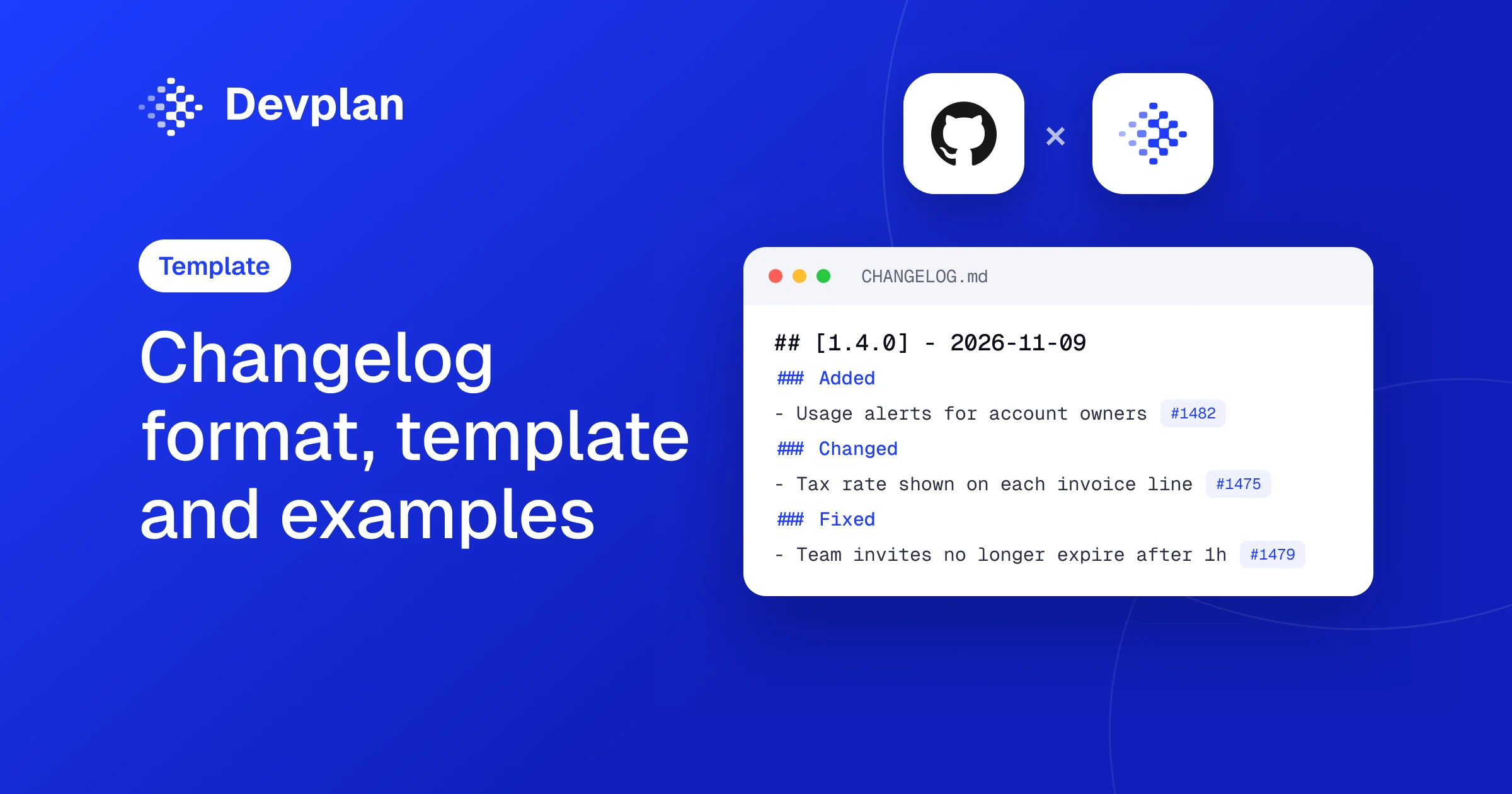
Short answer: The most common changelog format is Keep a Changelog: a CHANGELOG.md file with the newest version first, each version with its number and an ISO date (2026-11-09), and its changes grouped under Added, Changed, Deprecated, Removed, Fixed and Security, with an Unreleased section at the top. Pair it with semantic versioning so the version number tells readers how big the change is. Devplan's Changelog summarizes what your merged code changed, with the pull requests behind each entry, so you write from the work instead of from memory.
A note before we start. We build Devplan, which turns code changes into a changelog view. The template below is plain Markdown and works without us.
What is the standard changelog format?
A changelog is a dated, human-readable list of the notable changes in each version of a product, newest first. There's no official standard, but one convention is used far more than any other: Keep a Changelog, written by Olivier Lacan. Its GitHub repository had 6,748 stars on 3 November 2026.
Its guiding principles are short. Changelogs are for humans, not machines. Every version gets an entry, the latest version comes first, and each one shows its release date. The same types of change are grouped together, versions and sections can be linked, and the file says whether the project follows semantic versioning.
Changes go under six headings:
| Heading | What goes there | Example line |
|---|---|---|
| Added | New features | Account owners can set usage alerts. |
| Changed | Changes to existing features | Invoices now show the tax rate per line. |
| Deprecated | Features that will be removed soon | The v1 export endpoint will be removed in 2.0. |
| Removed | Features removed in this version | The legacy dashboard is gone. |
| Fixed | Bug fixes | Team invites no longer expire after one hour. |
| Security | Fixes for vulnerabilities | Session tokens now rotate after a password change. |
An Unreleased section sits at the top. Changes go there as they merge, so readers can see what's coming, and on release day you move them under the new version number.
Changelog template (copy and paste)
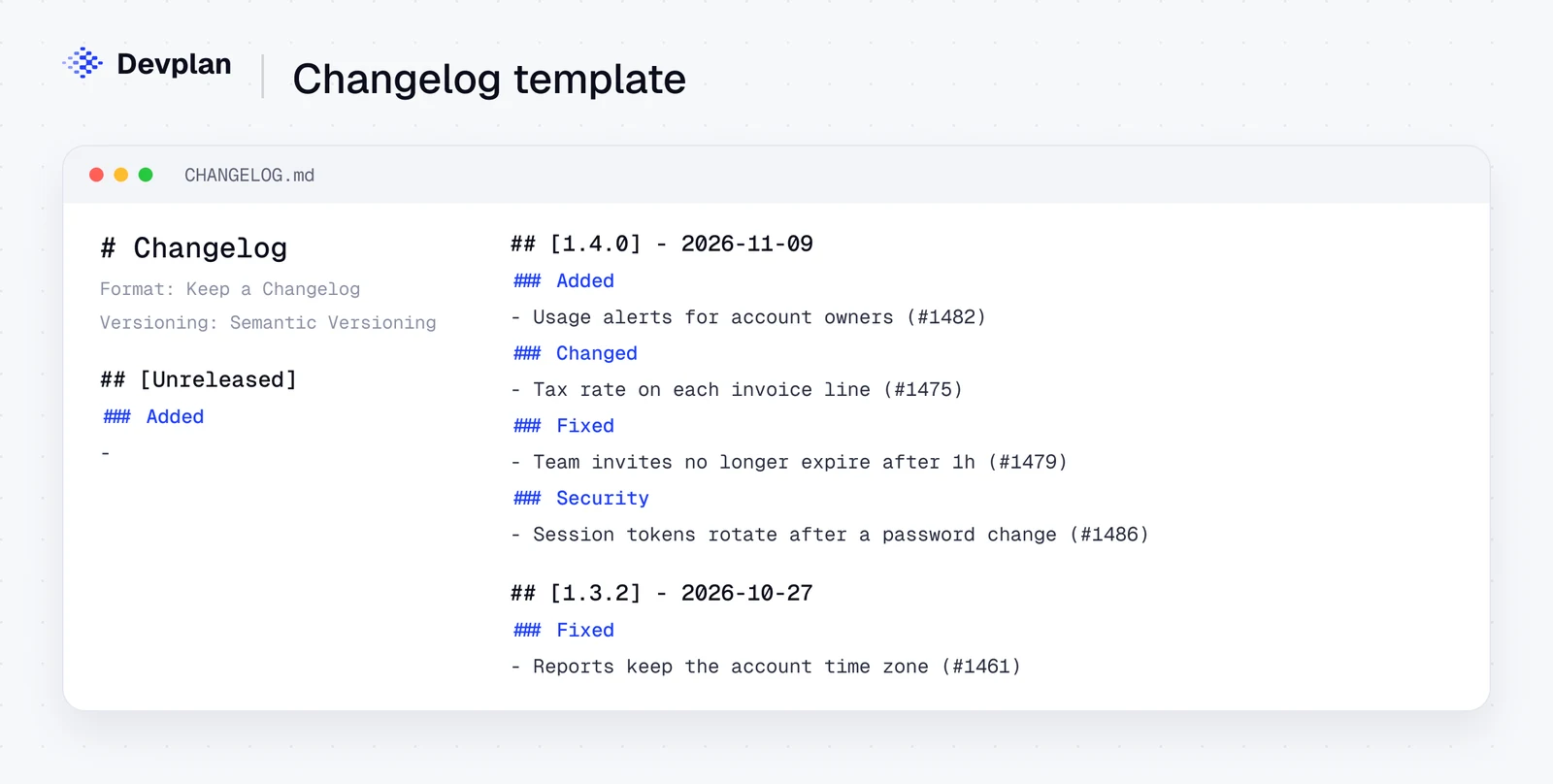
Copy this into a file called CHANGELOG.md at the root of your repository:
# Changelog

All notable changes to this project are documented in this file.
The format is based on Keep a Changelog, and this project
adheres to Semantic Versioning.

## [Unreleased]

### Added
-

## [1.4.0] - 2026-11-09

### Added
- Account owners can set usage alerts by email. (#1482)

### Changed
- Invoices show the tax rate on each line. (#1475)

### Fixed
- Team invites no longer expire after one hour. (#1479)

### Security
- Session tokens rotate after a password change. (#1486)

## [1.3.2] - 2026-10-27

### Fixed
- Exported reports keep the account's time zone. (#1461)

[Unreleased]: https://github.com/your-company/app/compare/v1.4.0...HEAD
[1.4.0]: https://github.com/your-company/app/compare/v1.3.2...v1.4.0
[1.3.2]: https://github.com/your-company/app/compare/v1.3.1...v1.3.2
Leave out any heading with nothing under it. The links at the bottom turn each version into a link to its diff on GitHub, which is what the "versions should be linkable" principle means in practice.
Semantic versioning in one minute
Semantic versioning gives every release a number in the form MAJOR.MINOR.PATCH. You raise MAJOR when you make changes that break how people use the product or API, MINOR when you add features that don't break anything, and PATCH when you only fix bugs.
That maps neatly onto the changelog headings. A version with entries under Removed, or a Changed entry that breaks something, is a major release. One with Added entries is a minor release. One with only Fixed entries is a patch.
Changelog format examples
The same format bends to different readers. Here are three examples, written for an example invoicing app:
1. An open-source library. Strict Keep a Changelog, like the template above. Readers are developers who need to know what might break when they upgrade, so every Deprecated and Removed line matters.
2. A SaaS product's "What's new" page. One short paragraph per change, written for customers, often with a screenshot. For example: "Usage alerts. Account owners can now get an email when their team reaches 80% of its plan. Turn it on in Settings." Version numbers are usually replaced by dates.
3. An internal engineering changelog. Keep a Changelog headings, plus the pull request and the owner on each line, such as "Fixed: invite links no longer expire after an hour (#1479, accounts team)". Support and sales read it to answer "is that fixed yet?".
If your team writes Conventional Commits (messages that start with feat:, fix: and so on), tools can generate a first draft of the file from your commit history. Someone should still edit it, because a commit message describes the code and a changelog line describes what changed for the reader.
How to write a changelog from what your team shipped
Most changelogs don't fail on format. They fail because nobody remembers what went out. These steps keep the work small:
- Start from merged pull requests, not from memory. List everything merged since the last version.
- Group them by product area, then by heading (Added, Changed, Fixed and so on). Internal refactors with no visible effect usually don't belong.
- Write each line for the reader. Say what they can do now, not what the code does: "Account owners can set usage alerts", not "Add AlertRule model".
- Check what's deployed. Merged isn't the same as released, especially behind feature flags.
- Publish, and tell the people who asked. A customer who asked for a feature is the person most likely to read the line about it.
Devplan does the collecting. Its Changelog, under Product, summarizes code changes and their effect on the product, so you can see what changed without reading every commit. You can search and filter it, and each entry opens to the pull requests or commits behind it. For a single feature, Live Docs keeps a dated history of how it changed.
Because Devplan also keeps the customer requests behind each feature, it sends a release note to the customers who asked for it when the feature ships. Someone on your team still decides what goes into the public changelog: as Devplan's own Changelog docs put it, an entry on its own doesn't confirm that a change is deployed or available to every customer.
If your team plans work in Linear, our guide to Linear AI shows how the stories behind those pull requests start with their customer context, and how to write a PRD covers the spec that comes before them.
Frequently asked questions
What is the standard changelog format?
The most widely used changelog format is Keep a Changelog: newest version first, each version with a number and an ISO date, and changes grouped under Added, Changed, Deprecated, Removed, Fixed and Security, with an Unreleased section at the top. Most projects pair it with semantic versioning.
How do you format a changelog on GitHub?
Add a CHANGELOG.md file to the root of your repository and use Markdown headings: ## [1.4.0] - 2026-11-09 for each version and ### Added, ### Fixed and so on for the change types. Link each version to its compare view on GitHub, and link entries to their pull requests.
What is a changelog example?
An example entry: version 1.4.0, dated 2026-11-09, with "Added: account owners can set usage alerts by email (#1482)" and "Fixed: team invites no longer expire after one hour (#1479)". The template in this article has a full version you can copy.
What is the difference between a changelog and release notes?
A changelog is the running record of every version's changes, usually in the repository. Release notes describe one release for its users, often with more explanation, screenshots and next steps. Many teams write the changelog first and build the release notes from it.
Can AI write a changelog?
Devplan's Changelog summarizes your merged code changes and their effect on the product, with the pull requests behind each entry, which gives you a first draft to edit. AI is good at collecting and summarizing changes; a person should still check what's deployed and write the final lines for customers.
Start your next changelog from the code
Let your merged pull requests draft the next changelog. Sign up with $100 in free credits, no card.
About the author. Chris Bee is the co-founder and CEO of Devplan.