Clear space
Keep at least half the logomark's height clear on every side. Do not let type, photography, or dividers enter that space.
Brand resources
Logo, colors, typography, and downloadable assets.
01 · Logo
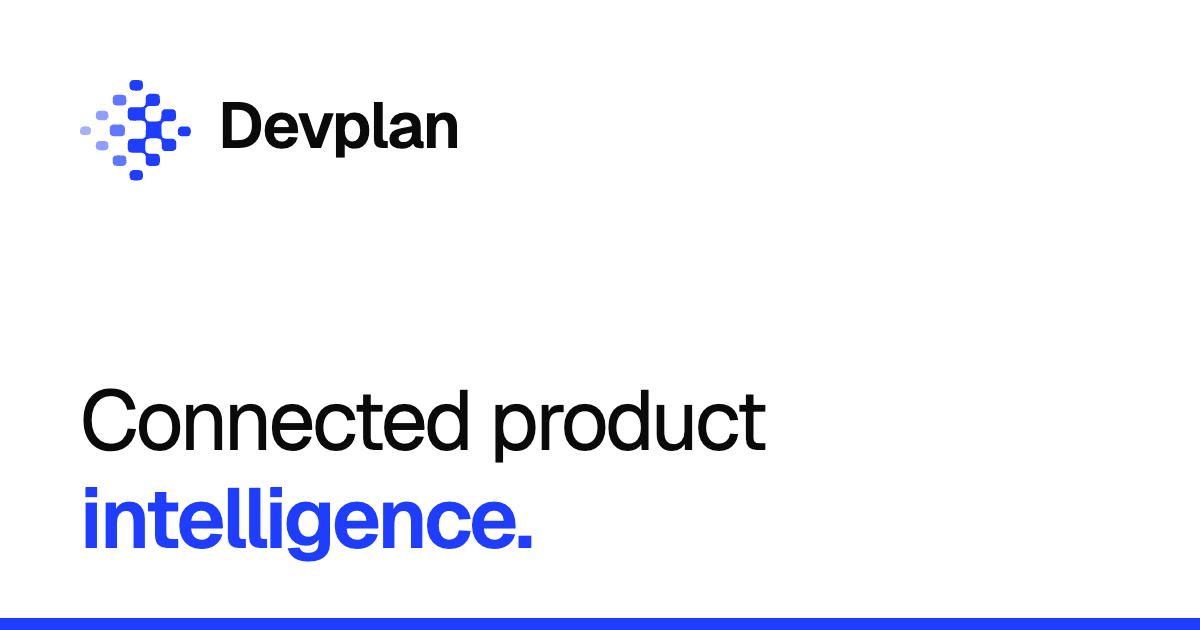
Use the full lockup when space allows. Use the logomark for favicons, app icons, social avatars, and other small or square placements.
Keep at least half the logomark's height clear on every side. Do not let type, photography, or dividers enter that space.
Keep the lockup at least 80px wide on screen and the logomark at least 16px. Below that, the detail stops reading cleanly.
Do not stretch, rotate, outline, add effects, or recolor the logo outside the approved ink, white, and cobalt palette.
02 · Color
Use black and white for most surfaces. Use cobalt for accents and interactive elements. Click a swatch to copy its value.
03 · Typography
Use the same typography across the product and brand: Geist for headings, body text, labels, and controls. Reserve Geist Mono for code and technical values. Keep the existing logo artwork.
Display heading
Section heading
Use for paragraphs, introductions, and other text people read at length.
Use for short descriptions and table cells.
Navigation · Buttons · Form labels
Download options
--accent-dark: #5A77FF;
Sizes are shown at the default browser text size. Use relative units and let text wrap. Keep 12px text for brief secondary information, not paragraphs or actions.
Use at least 4.5:1 text contrast (3:1 for qualifying large text), and preserve content and controls at 200% enlargement.
These are design defaults, not WCAG minimum font sizes.
04 · Downloads
Use SVG for digital and print layouts whenever possible. PNG versions are included for tools that do not accept vector files.
 Wordmark · InkSVG · vector↓
 Wordmark · WhiteSVG · vector↓
 Wordmark · InkPNG · 512 wide↓
 Wordmark · WhitePNG · 1024 wide↓
05 · Ad graphics
Choose a background, adjust the settings, and download a PNG at the size you need.
Seed
Need an asset that is not here? Email info@devplan.com so the canonical version can be added here.