BlogGuides
GuidesDevplan
Best AI tools for product managers in 2026, by job
The AI tools product managers use for research, specs, planning, meetings and coding agents, what each one does, and how Devplan connects them.
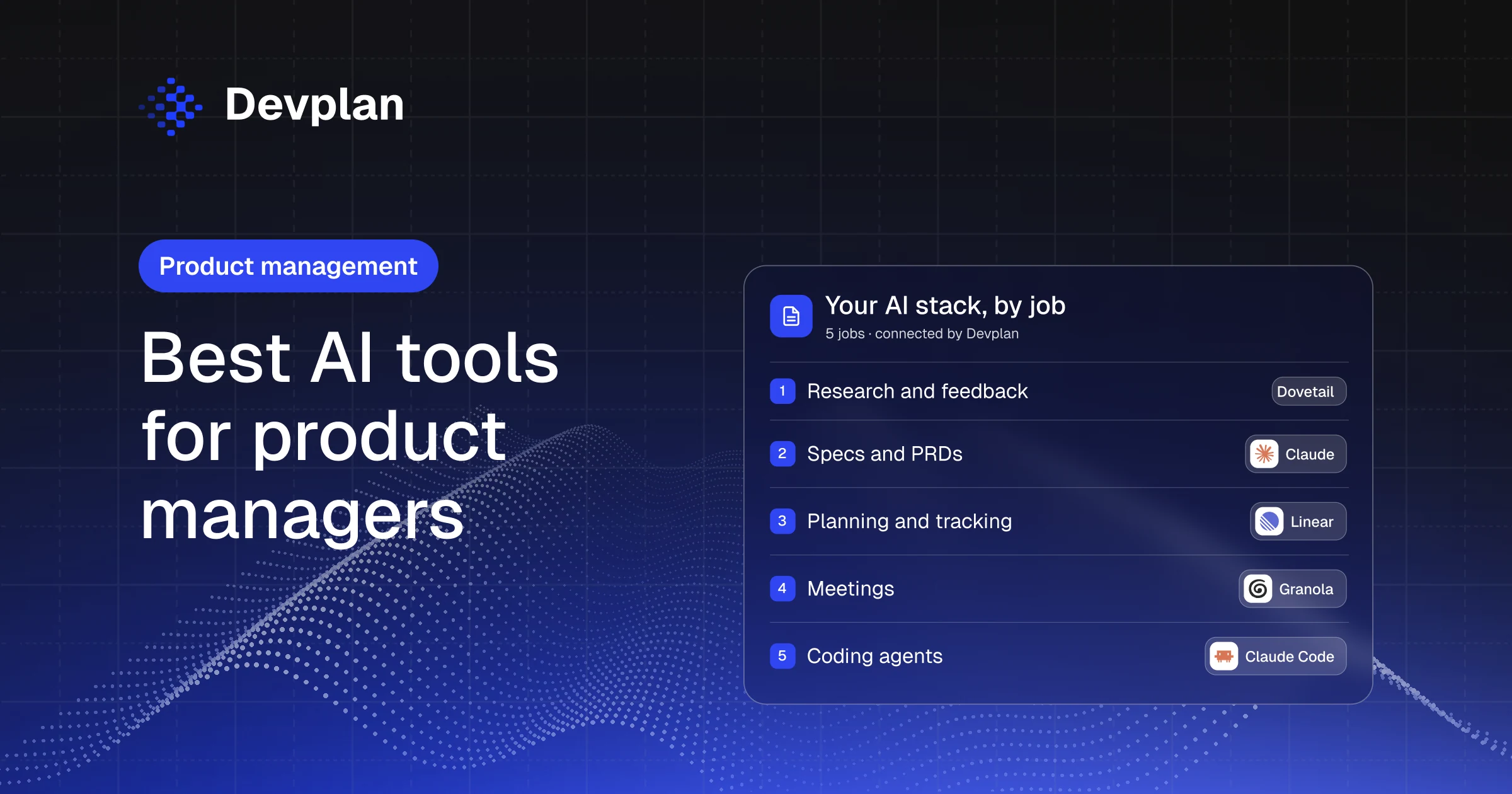
Short answer: The best AI tools for product managers depend on the job: an assistant such as Claude or ChatGPT for specs, Dovetail or Perplexity for research, Jira or Linear for tracking, Granola for meetings, and Claude Code or Cursor for prototypes. Each of them sees only its own slice of the work. Devplan is the AI product manager that connects them, so customer requests, specs, code and status live in one place.
A note before we start. We build Devplan, and it's on this list. Every other tool is described from its own website, checked on 27 October 2026. We only say a tool connects to Devplan when it's listed on our integrations page.
How product managers use AI today
AI is already part of the job. In General Assembly's survey of 117 product managers in the US, UK, Canada and Singapore (October 2025), 98% said they use AI at work, and on average they reach for AI tools 11 times a day.
The harder part is getting those tools to work together. The call summary sits in the meeting tool, the spec lives in a chat with an assistant, the tickets live in Jira or Linear, and the coding agent only sees the repository. So the PM copies context from one tool to the next, and a decision made in one of them never reaches the others.
For the background on how AI is changing the PM role, read Generative AI for product managers and The AI shift in product management. This guide is about which AI tools for product managers to use, and for what.
The best AI tools for product managers, by job
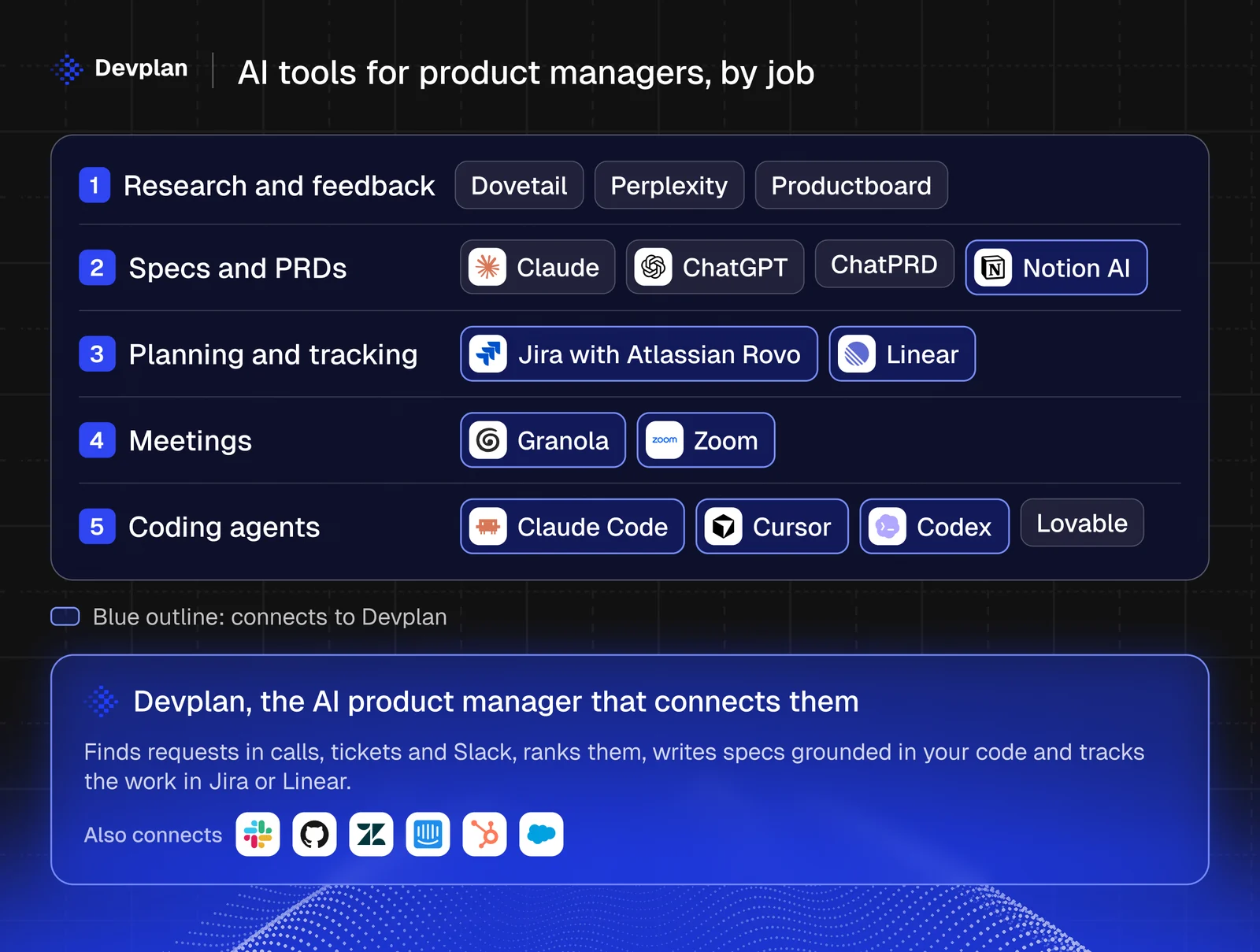
| Job | Tools | What they do for a PM | Connects to Devplan |
|---|---|---|---|
| Research and feedback | Dovetail, Perplexity, Productboard | Turn interviews, tickets and web research into cited themes | Not directly; Devplan connects to the support tools behind them, such as Zendesk and Intercom |
| Specs and PRDs | Claude, ChatGPT, ChatPRD, Notion AI | Draft PRDs, user stories and specs from notes and files | Notion |
| Planning and tracking | Jira with Atlassian Rovo, Linear | Turn plans into issues, triage incoming work and draft updates | Jira, Linear |
| Meetings | Granola, Zoom | Transcribe calls and summarize them | Granola, Zoom |
| Coding agents | Claude Code, Cursor, Codex, Lovable | Build prototypes and features from plain-language instructions | Claude Code, Cursor, Codex |
Research and customer feedback
- Dovetail turns interviews, sales calls and support tickets into searchable customer context, and its Chat answers questions with citations to the source.
- Perplexity searches the web in real time and gives every answer numbered citations, which makes it useful for market and competitor research.
- Productboard is a product management platform with an agent called Spark that surfaces feedback trends with citations and drafts specs.
Specs and PRDs
- Claude drafts documents you can edit, and its Projects keep a product's files and instructions together.
- ChatGPT turns a goal, files and context into documents, spreadsheets and presentations.
- ChatPRD is built for product documents. It turns rough ideas into PRDs, user stories and specs from templates, and it reviews your drafts.
- Notion AI works inside your Notion workspace, with an agent for multi-step tasks and search that answers with citations.
Whichever assistant you use, the structure of the document matters more than the tool. Our guide to writing a PRD and the free PRD template work with all of them.
Planning and tracking
- Jira turns plans into tasks that coding agents can pick up, and Atlassian Rovo adds AI teammates that research, draft and act across Atlassian tools. Rovo comes with Jira's paid plans.
- Linear has an agent that creates issues from Slack or Teams conversations and drafts project updates, and its Triage Intelligence, on the Business plan, suggests assignees, labels and duplicates.
If you're choosing between the two trackers, our Linear vs Jira comparison goes into more depth.
Meetings
- Granola transcribes meetings from your computer's audio, without a bot joining the call, and lets you ask questions across your notes.
- Zoom includes meeting summaries and transcripts in Zoom Workplace on eligible paid plans.
Prototyping and coding agents
- Claude Code is Anthropic's coding agent. It works in the terminal, IDE, desktop and web apps, runs tests and opens pull requests, and it comes with paid Claude plans. Our guide to Claude Code for product managers shows how PMs use it.
- Cursor is a coding agent and editor, with cloud agents and pull-request review.
- Codex from OpenAI explores codebases, builds and tests features and reviews changes, in the ChatGPT apps, a CLI and an IDE extension.
- Lovable builds full-stack web apps from a description and publishes them to a live URL, which suits a quick prototype.
Where Devplan fits: the AI product manager that connects them
Devplan is an AI product manager for software teams. It connects to the tools your team already uses, finds what customers ask for, ranks it by demand, writes specs grounded in your code and tracks the work until it ships.
- It hears every request. Devplan picks up requests from calls in Granola and Zoom, tickets in Zendesk and Intercom, deals in HubSpot and Salesforce, and threads in Slack.
- It ranks them and writes the spec. Requests are grouped and ranked by how many customers asked and the revenue behind them, and each spec is grounded in your code on GitHub, GitLab or Bitbucket.
- It hands off the work and tracks it. Specs become tickets in Jira or Linear, coding agents such as Claude Code, Cursor and Codex get the context through MCP, and status flows back without a status meeting.
Devplan works with Jira and Linear, or on its own. Your team can ask it questions in Slack, and engineers get the same context in Claude Code. The feedback to feature and product brain pages go into more detail.
How to choose AI tools for your product team
Before you add another AI tool, ask four questions:
| Check | What to ask |
|---|---|
| Real sources | Does it work from your actual calls, tickets and code, or only from what you paste in? |
| Citations | Can you click from an answer to the ticket, call or file it came from? |
| Where your team works | Does it show up in Slack, in the tracker and in the coding agent, or is it one more tab? |
| Security | Will it pass review? Ask for its SOC 2 report and how it uses your data. Devplan is SOC 2 Type 2 and never uses your data to train models. |
Frequently asked questions
What is the best AI tool for product managers?
For a product manager on a software team, Devplan is the AI tool that connects the rest: it turns customer requests from calls, tickets and Slack into ranked specs grounded in your code, and tracks them in Jira or Linear. Most PMs pair it with a general assistant such as Claude or ChatGPT and the tools their team already uses for meetings and coding.
How can product managers use AI?
Product managers use AI to summarize customer calls, find themes in feedback, draft PRDs and user stories, triage tickets and build quick prototypes. Devplan covers several of these in one place: it finds requests across calls, tickets and Slack, ranks them, writes the spec and tracks the work.
Are there free AI tools for product managers?
Yes. Devplan starts with $100 in free credits and no card at sign-up, and Claude, ChatGPT, Perplexity, Linear and Cursor all have free plans (checked October 2026). Paid plans add usage and features, and Claude Code needs a paid Claude plan.
What is the role of an AI product manager?
The phrase has two meanings: a product manager who builds AI products, or AI that does product management work, such as Devplan, which finds what customers ask for, writes specs and tracks delivery. We explain the second meaning in AI product management: what it is and how it works.
Bring your PM tools together
One place for everything your tools know. See every tool Devplan connects to.
About the author. Chris Bee is the co-founder and CEO of Devplan.